Lock a computer to increase security
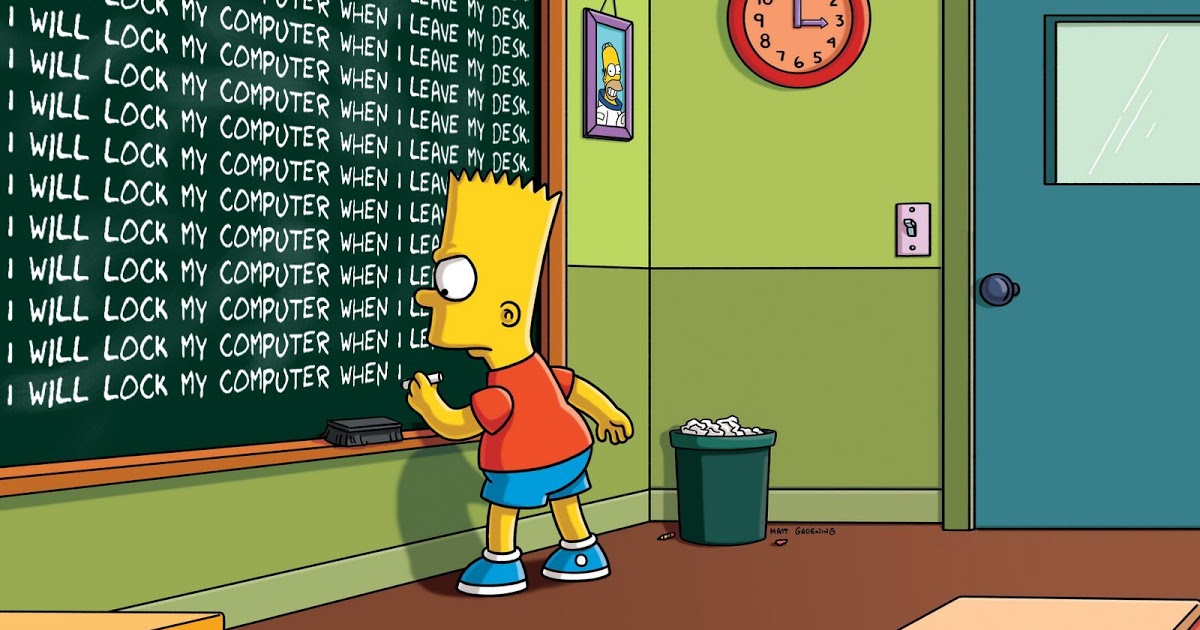
To lock a computer normally the operating systems offer tools that can be blocked, so that no one can access them, access is made through a username and password. When we configure this functionality in our system we must choose a secure password that includes uppercase letters, lowercase letters, numbers and symbols. If we are going to leave we can block the computer quickly with the key combination (Windows + L), when we return to it we must enter our credentials to access the desktop. We can configure our system to be automatically blocked after a period of inactivity, this configuration can be useful to protect us because of forgetfulness.

The blocking of the computer can be very useful to avoid possible theft of information when we are not in our office and prevent programs from being run without our consent. This function also allows to restrict access to personal files and the operating system when we start the computer from an external unit in order to obtain confidential information. It is a highly useful tool because its configuration can be customized.
How to create a secure password
Tips to have a secure password really there are many out there. But, for the laziest, I will give you in 5 steps a formula to create a strong password in a simple and easy to remember way.
- Choose a song.
- Choose a number.
- Decide if you want vowels or consonants.
- Choose a symbol.
- Decide the order.
The idea is to use the first letter of each word of a verse of a song, followed by a number that can be remembered in 1992). To identify the password we will use the name of the service, but only the vowels or only the consonants. Choose a random symbol that always repeats, and finally choose the set of all elements. This is called creating a password formula, which is an almost complete repetition but will change a bit depending on the account.
Example:
My song is «La Bamba«, my number is 666999, I want only vowels, my symbol will be $ and the order will be: service, song, number, symbol, and I will start with capital letters to give it an extra touch. So assuming I get a password for Facebook, it would look like this:
Aeoopblbpblbsnupdg666999 $
Because this password includes lowercase and uppercase, numbers, symbols, and is more than 9 characters, it would take a hacker 44,000 years to decipher it. Now change your passwords, and do not forget to do it again at least every 3-6 months.








Publicar comentario